Watch it happen
About a minute, no narration. Phone number, the code, your name, and you are in. There is no setup checklist any more: your first team is created for you, and clients, roles and rates appear the first time you need them.
What you’re watching
- 1Type your phone number and tap Continue
- 2A six-digit code arrives by SMS; the last digit signs you in
- 3Say your first and last name (Apple and Google sign-ups skip this)
- 4You’re in: the Jobs tab, with no checklist to finish
- 5Your first team is already there, named after you
- 6Clients, roles and rates get created the first time you need them
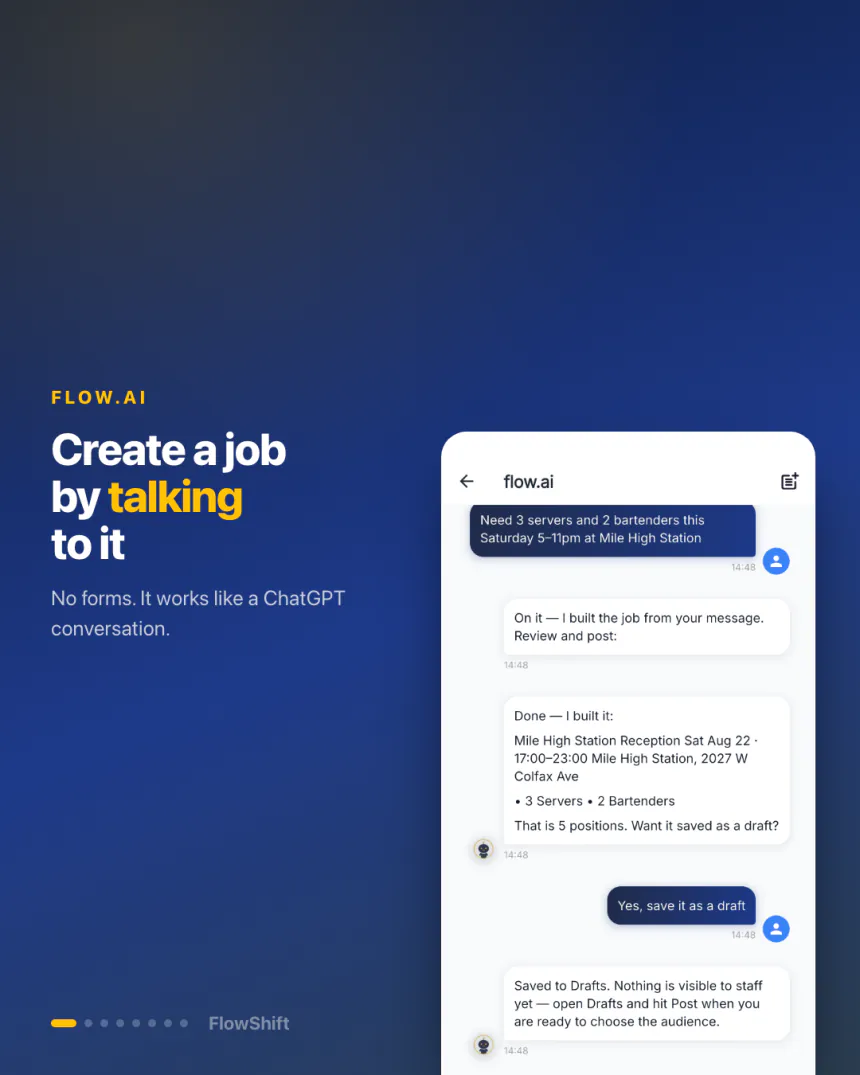
Under a minute, with narration in English or Spanish. A wedding for a client that doesn’t exist yet, twelve positions across three roles — typed as one sentence, and posted to the team by the end of the clip.
What you’re watching
- 1Tell flow.ai what you need, in plain words
- 2It turns the message into a complete event
- 3New client, venue and three roles — all filled in
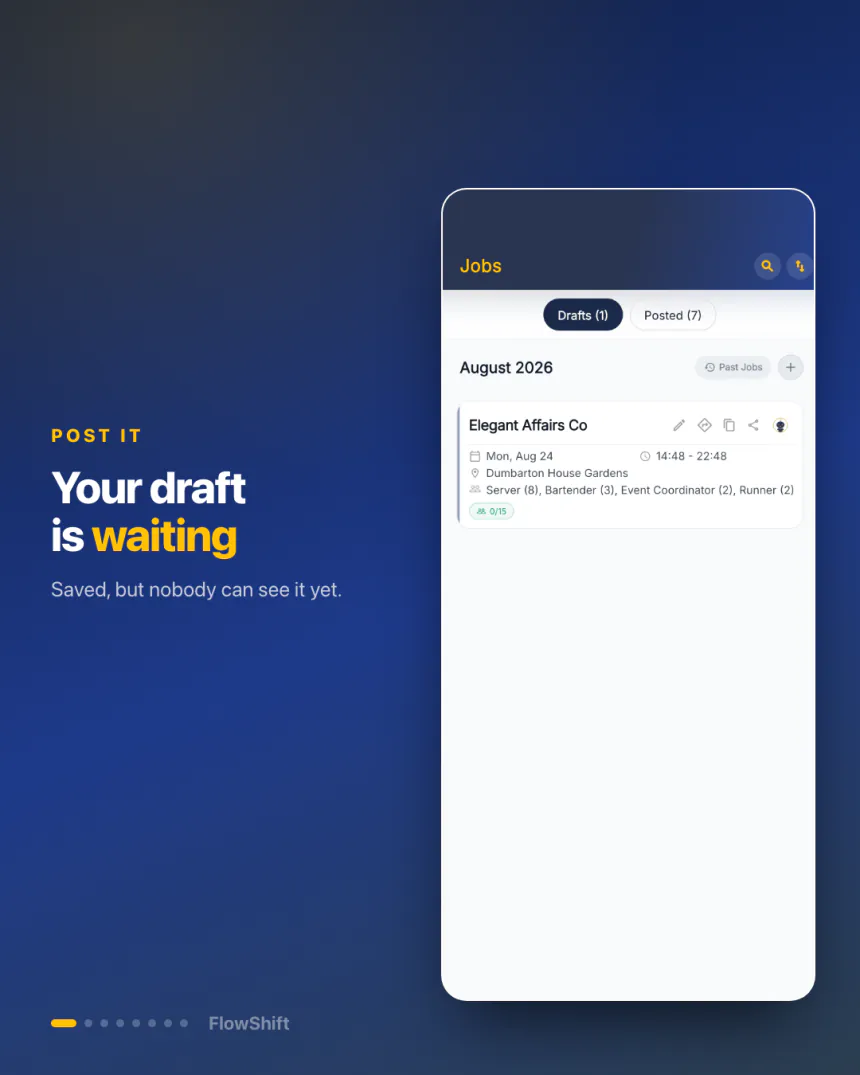
- 4The draft is waiting in Drafts
- 5Hit Post, then choose who sees it
- 6The whole team is notified at the same time
About a minute, with narration in English or Spanish. One PDF with five events becomes five complete drafts — venues, call times, roles and rates — ready for you to review before anything is created.
What you’re watching
- 1A client sends a BEO: one PDF, five events
- 2Upload the file and tap once
- 3flow.ai reads it and finds all five events
- 4Venue, call time, roles and rates for each one
- 5You review and approve — only then are they created
- 6Screenshots, photos and copied text work the same way
Half a minute, music only. A manager who texts in English and a bartender who texts in Spanish, each writing in their own language: a rough note becomes a professional message, one more tap translates it, and the reply comes back the same way.
What you’re watching
- 1The manager types the update as a rough note
- 2One tap on Professional turns it into a clear message
- 3One tap on Translate puts it in the team’s language
- 4It lands on every phone as a notification
- 5A staff member picks the Running late preset
- 6Professional, Translate, send — the manager reads it in English
Under a minute, music only. The manager asks flow.ai for the team code, texts the link to the group chat, a new hire pastes it into flow.ai in the Staff app, and the manager approves the whole batch with one tap. No accounts to create, no spreadsheet to keep.
What you’re watching
- 1On the Jobs tab, tap the flow.ai button and ask: What’s my team code?
- 2flow.ai answers with your staff code and the join link
- 3Long-press the reply, tap Copy link, and text it to your group chat
- 4A new hire pastes the link into flow.ai in the Staff app and confirms
- 5Every join request lands on your phone as a notification
- 6Open your team and tap Approve all — they’re in