FlowShift for managers · Part 2
Getting your people in
One link, and a roster that answers for itself.
Guide 3 of 3 · 11 slides
One link, and a roster that answers for itself.
Swipe, use the arrows, or press ← →.
FlowShift for managers · Part 2
One link, and a roster that answers for itself.
Today
It works because you remember everything. That is also the problem.
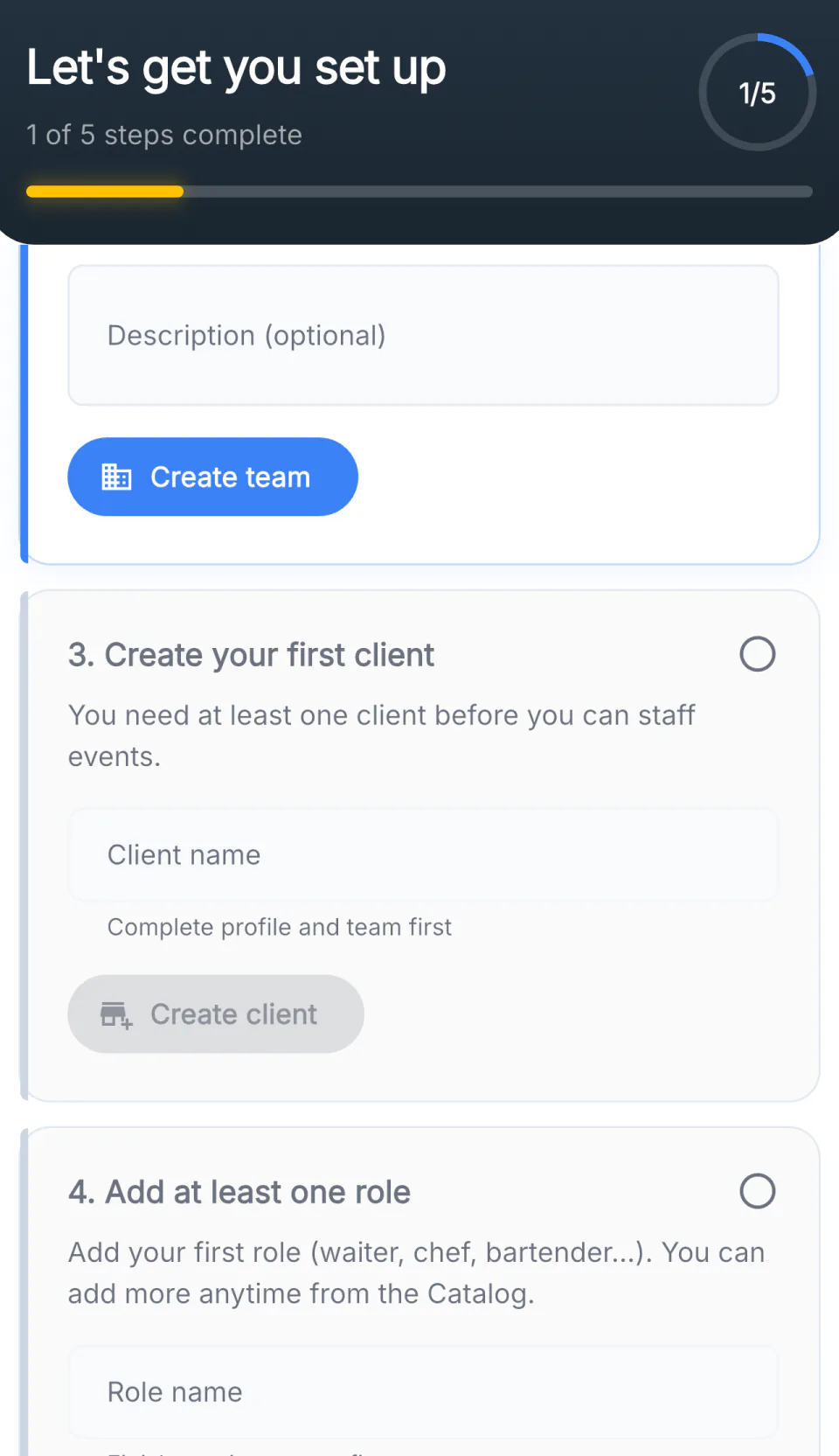
Step 1 · Make a team
A team is who you can send work to. Most companies need exactly one to start. Split later if your weekend crew is genuinely different from your weekday crew.
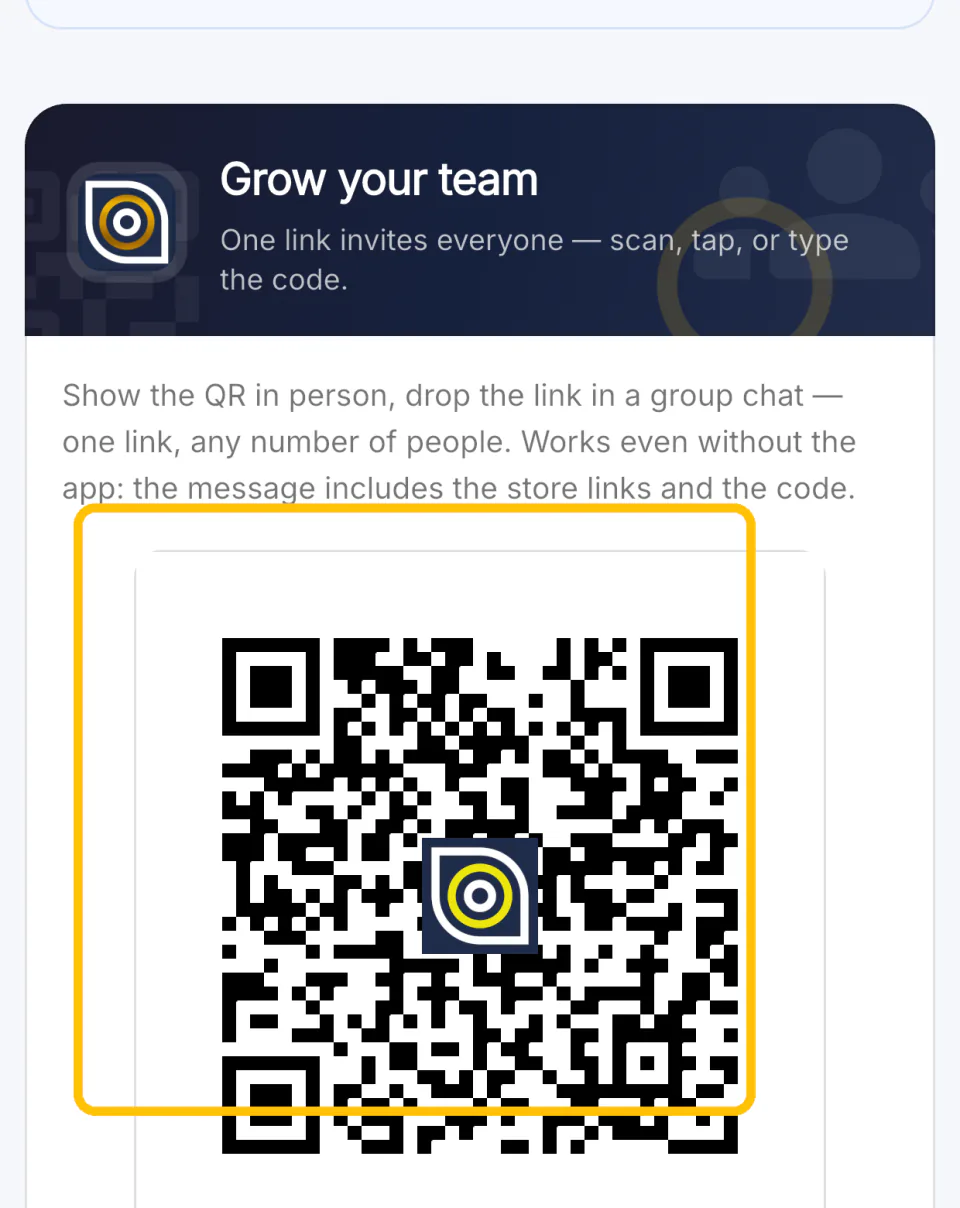
Step 2 · Invite everyone
Show the code in person, or drop the link into the group chat you already have. One link, any number of people. It works even for someone who has never heard of the app — the message carries the store links too.
Step 3 · They join
No account for you to create, no spreadsheet to keep. Requests land on your screen and you approve them.
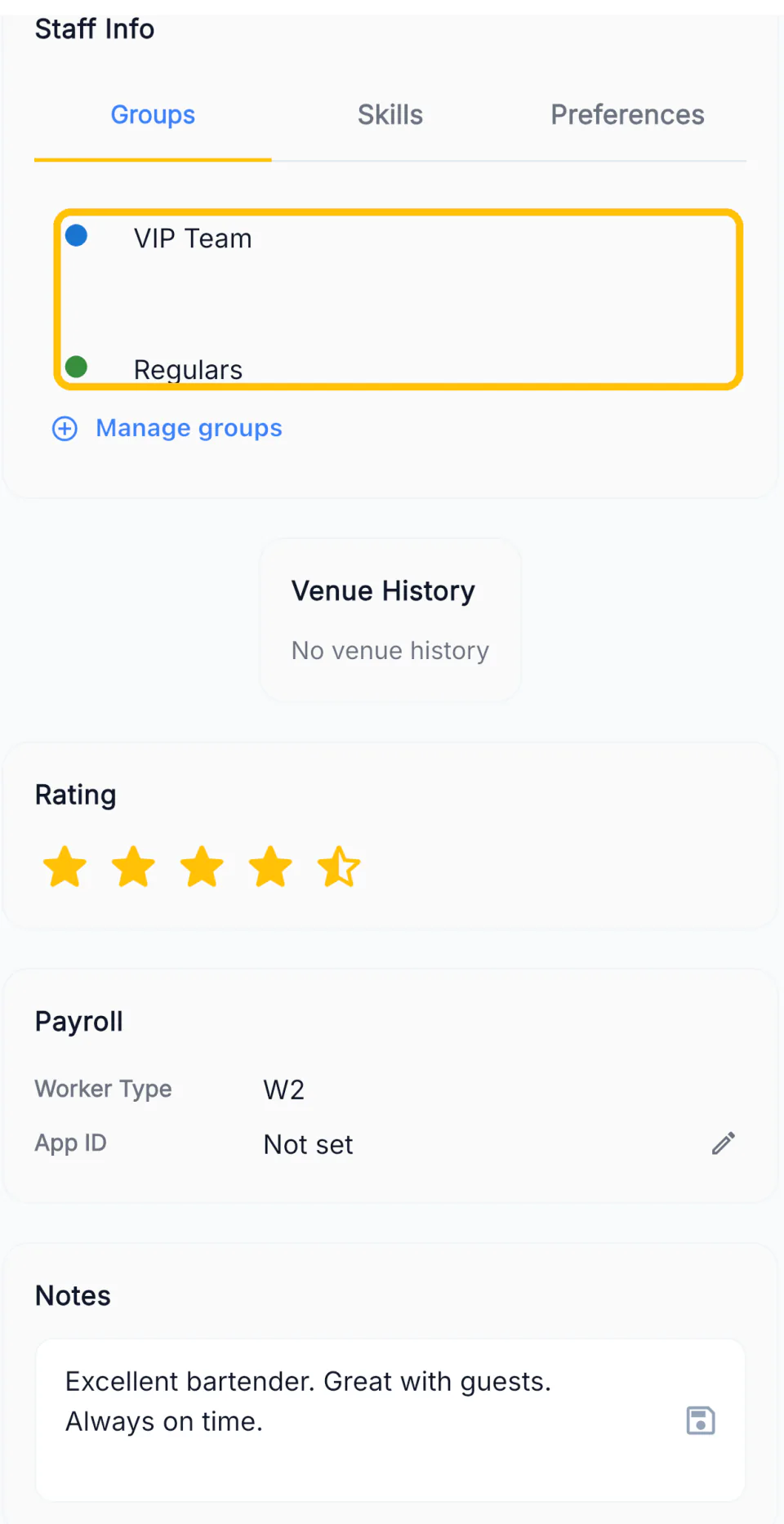
Step 4 · Write it down once
Groups, skills, preferences, venue history, a rating and a note. Put a bartender in VIP Team once, and every future job can reach that group without you remembering who is in it.
This is what they see
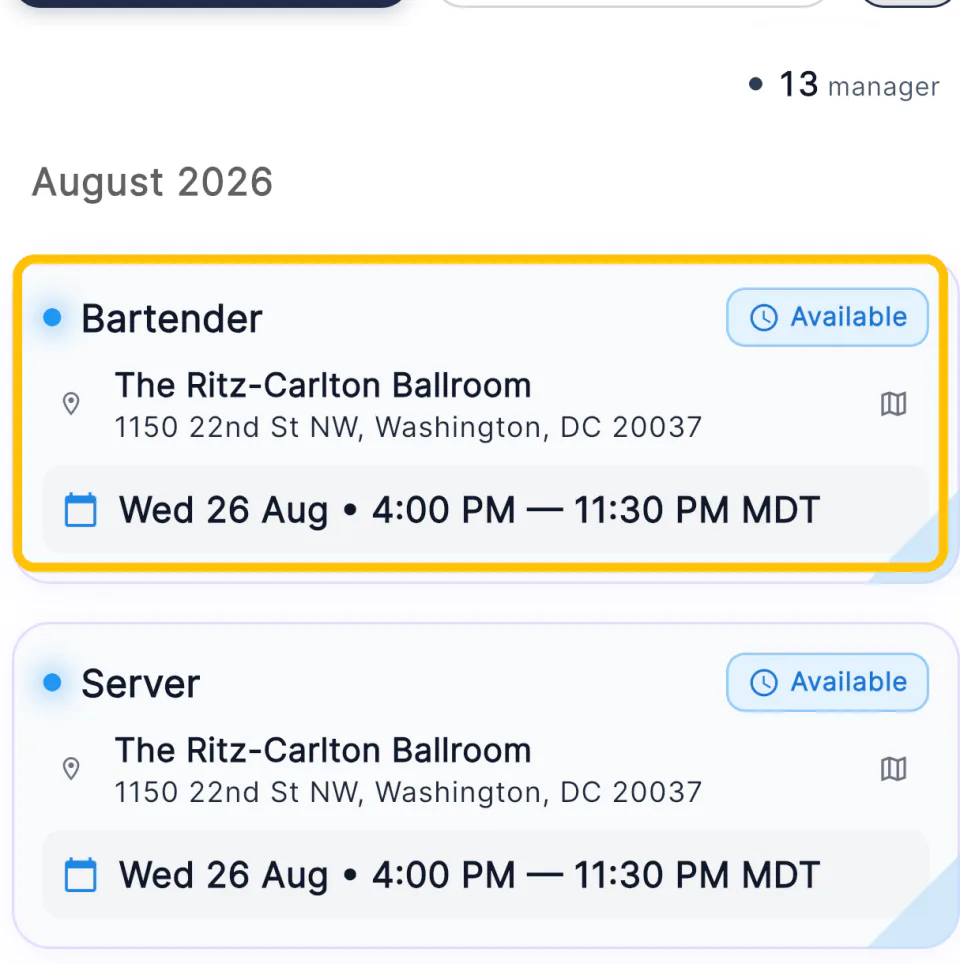
Role, venue, address, day and hours — on one card, before they tap anything. No thread to read, nothing to ask you.
The whole point
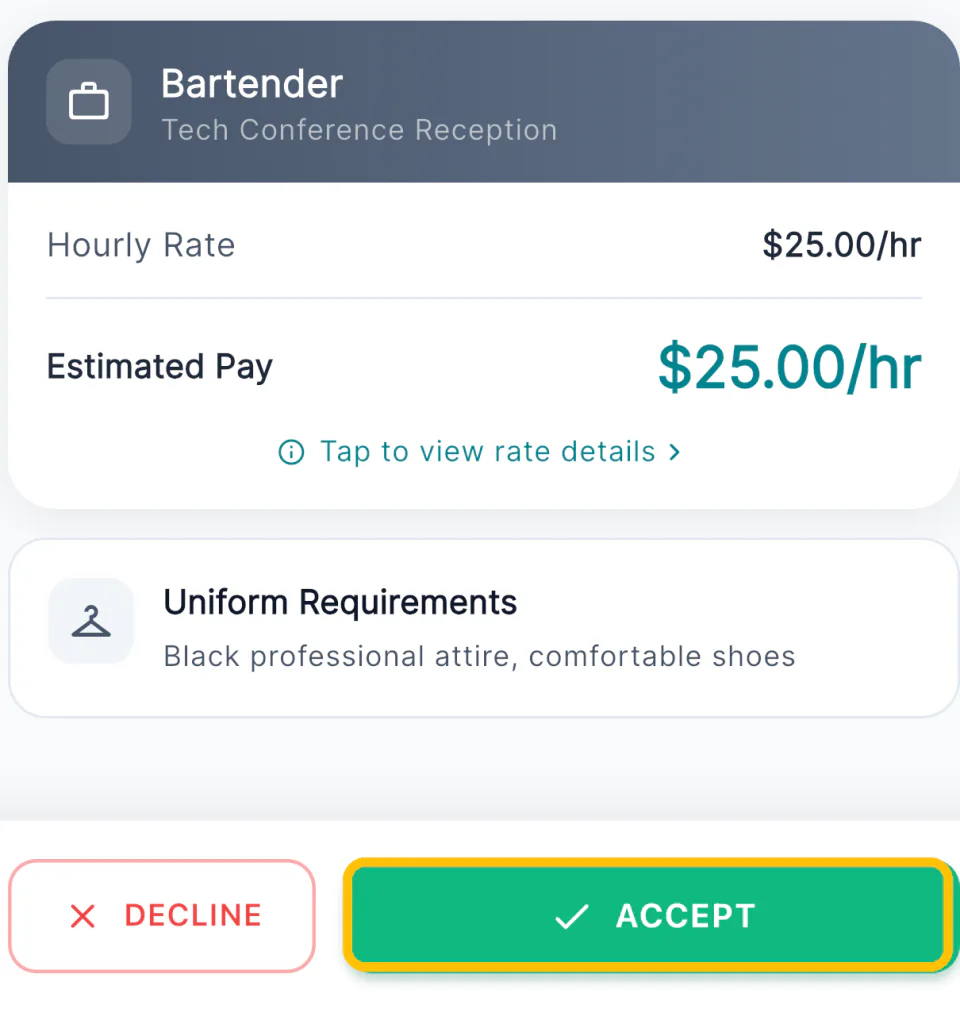
Rate, estimated pay, uniform and directions are all on the screen, so the answer takes seconds instead of a conversation.
Type it properly and they get a map, a travel time and the right clock.
A card with no pay on it does not get accepted. It gets a phone call.
The two things they always ask. Write them once, answer them never.
A card that appears Monday fills better than the same card on Friday.
A thin job still posts. It just comes back to you as messages.
On the day
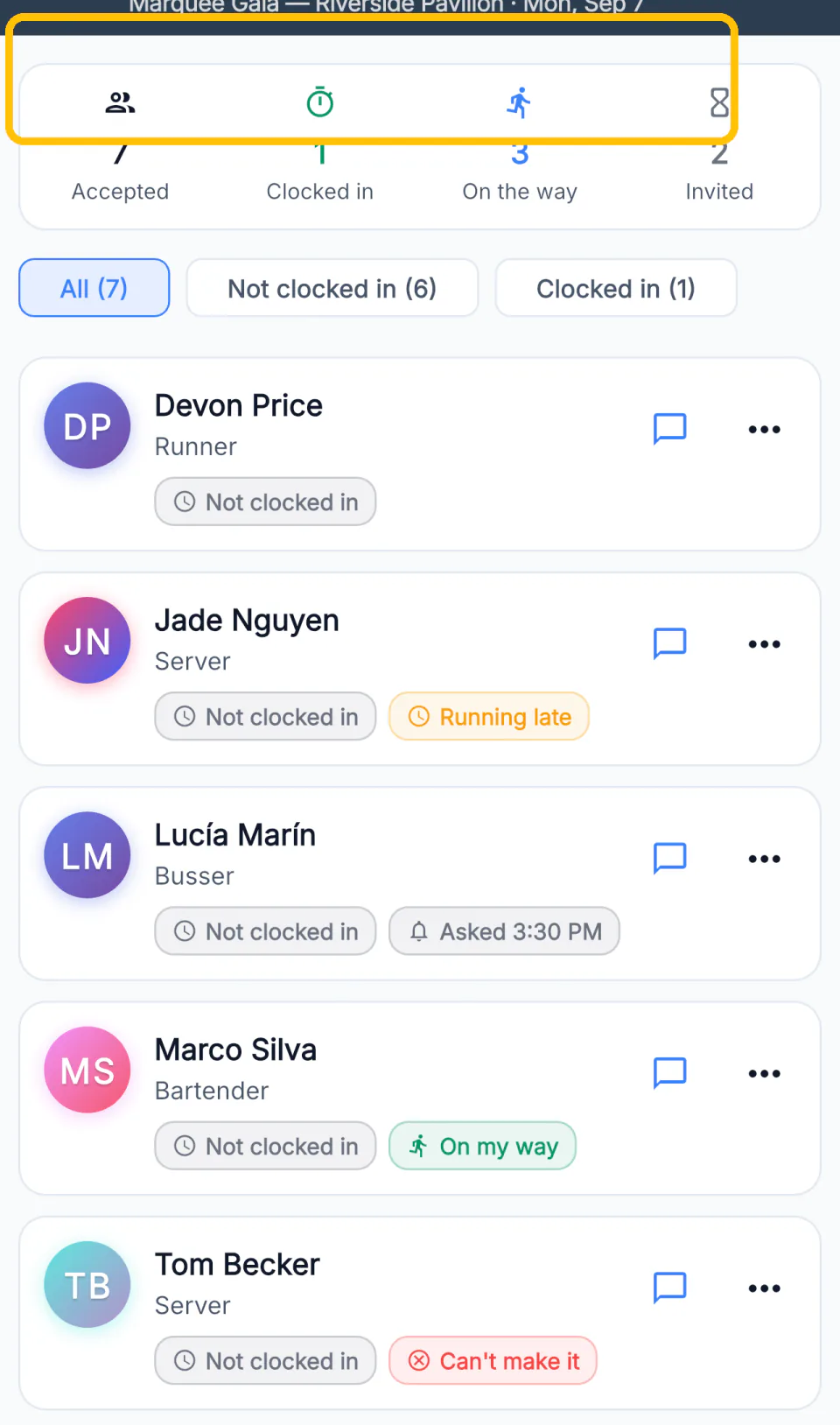
Accepted, clocked in, on the way, still to answer — counted for you. Ping the crew, clock them all in, or message the whole team from the same screen.
This week
Keep WhatsApp for talking. Let FlowShift keep the answers.
Getting your people in
Your roster today, and the one thing that replaces it
1Getting your people inHow a person actually gets from your phone into your team
4One link invites the whole roster.What they see, and how to build a job they accept in seconds
7Your job, on their phone.